
Simu yako
Digital banking
USSD on any phone, M-Pesa, the member portal and SMS.
Welcome to Zidisha Investment Co-operative Society. Enter your USSD PIN. 99. Forgot PIN
A sample member and sample figures.
Your account on any phone
Dial the SACCO's code, enter your PIN and choose from the menu. The code is published when the service opens. No data and no smartphone needed. Try it on the phone here: any four digits work as the PIN.
Your own PIN
The first time you dial, you confirm who you are and set a 4-digit PIN. Nobody at the SACCO can see it.
3 tries
After 3 wrong PINs in a row the menu locks for 30 minutes.
Forgot your PIN?
Reply 99 at the PIN screen and confirm your ID number to set a new one.
A new PIN waits a day for withdrawals
After a new PIN, a withdrawal can be asked for on the menu only after 24 hours.
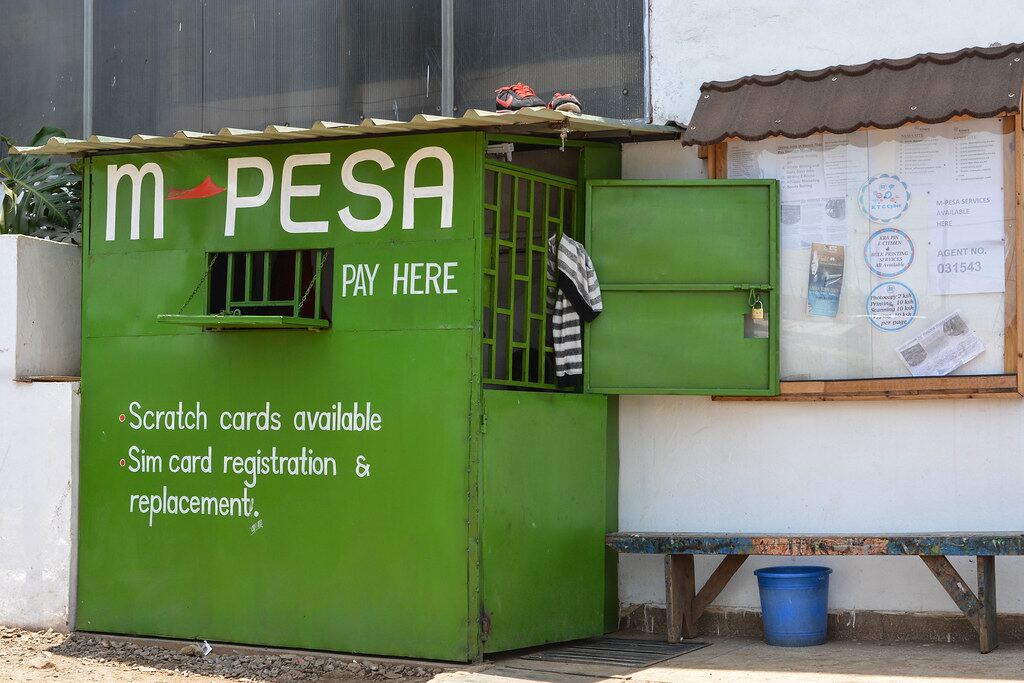
M-Pesa, to the right account
Lipa na M-Pesa, then Pay Bill. The SACCO's business number is published when M-Pesa payments open.
Or send an M-Pesa prompt to your phone from the member portal or the USSD menu, and enter your M-Pesa PIN on it.
ZS-00012 stands for your own member number. Savings schemes have their own endings
Your account, on your phone
Every member gets a login to the member portal. It works on any phone with a browser.
See your balances
Deposits, share capital, loans and guarantees, always up to date.
Pay by M-Pesa
Send a payment prompt to your phone and watch it arrive in your account.
Apply for a loan
Work out the instalment, apply, and follow every step to disbursement.
Answer guarantor requests
See what you are asked to guarantee and reply from your phone.
Statements and receipts
Download statements, receipts and letters whenever you need them.
Ask and follow up
Raise a request or a query and read the answer in one place.

Bank from your phone
Join, and use the SACCO from your phone.